


CleverCreator.aiCleverCreator.aiThe University of Faisalabad, Department of Computer SciencesTUF IT Club

A practical AI seminar · The University of Faisalabad

Mastering
Prompt Engineering

with CleverCreator.ai

Better questions. Clearer thinking. More useful AI. Join a two-hour seminar to turn everyday prompts into practical skills for your studies, projects and future work.

For attendees · Log in, check your University ID, preview your certificate and download it.

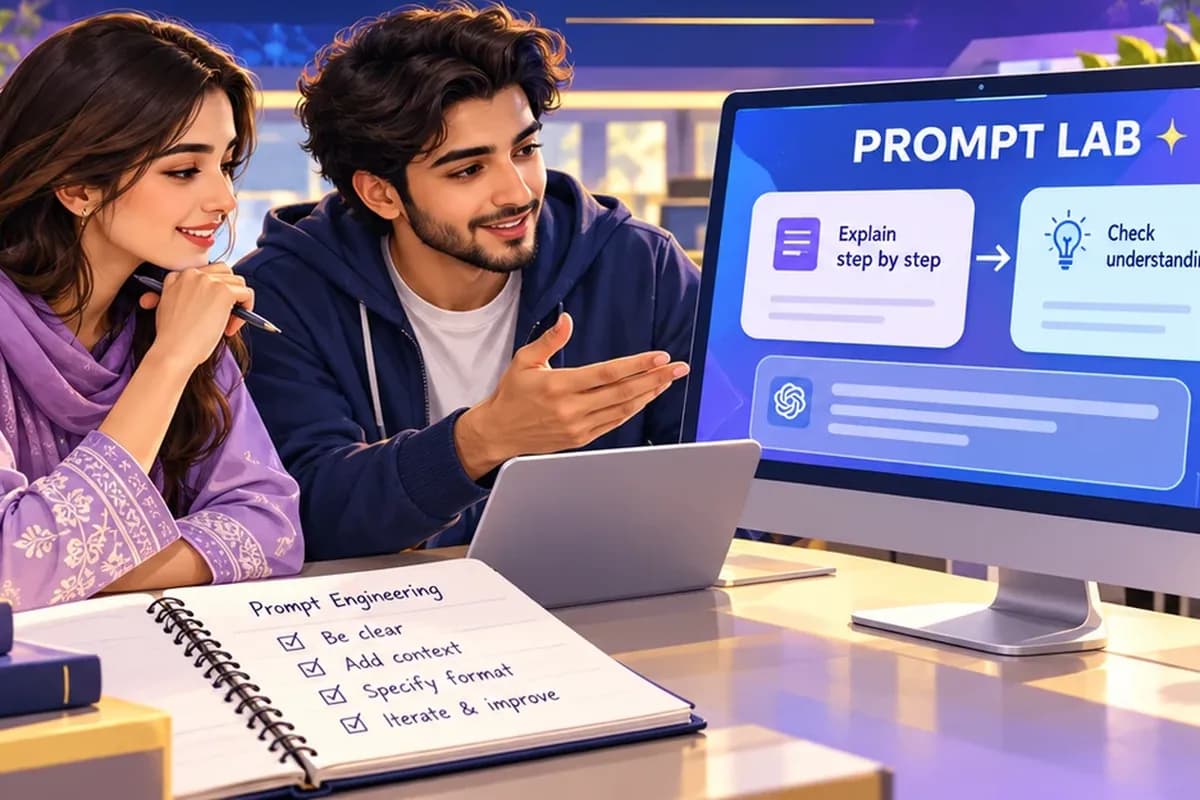
Illustration of students in a lab watching a prompt-engineering session, with a speaker joining live on the presentation screen

CleverCreator.ai × The University of Faisalabad

A shared space to learn, practise and build with AI.

When
Thursday, 19 November 2026
Time
2:00 PM – 4:00 PM (Pakistan Standard Time, PKT)
Where
Saleem Auditorium, The University of Faisalabad, Faisalabad, Punjab, Pakistan
How
In the auditorium, with our speakers live on Google Meet

The seminar

Learn the skill behind better AI answers

Practical skills you can use the same day — in your studies, your projects and your future job.

How AI models read prompts

Explore how instructions and context shape a response, why vague questions produce vague answers, and what an AI model needs to understand your goal.

The anatomy of a great prompt

Build a useful brief with role, context, task, constraints and output format. Apply a structure you can adapt to different subjects and types of work.

Iterating and refining

Review a first response, spot what is missing and ask focused follow-ups. Use examples and clearer instructions to improve the next result.

Prompting for study and research

Practise asking for explanations at your level, testing your understanding with debates and 3D models, and building a study plan with TutorMigo.

Prompting for real work

Explore projects, skills, presentations and visual writing with ChatterMate. Learn to define the audience, specify the deliverable and review the result before using it.

AI careers and using AI responsibly

See where AI skills lead at work. Recognise that confident answers can still be wrong: verify facts and sources, protect private information and respect academic integrity.

Put the learning to work

Small changes to your prompts.
A better way to work with AI.

Explore practical uses for the techniques covered in the seminar, from the next topic you study to the next project you build.

Illustration of two students practising study prompts together at a computer in a lab

For your studies

Build understanding, one good question at a time.

Use AI to explore a difficult concept, compare explanations and practise what you have learned. The goal is to strengthen your own understanding and judgement.

  • Ask for an explanation at your current level
  • Request practice questions with feedback
  • Turn a topic into a realistic revision plan
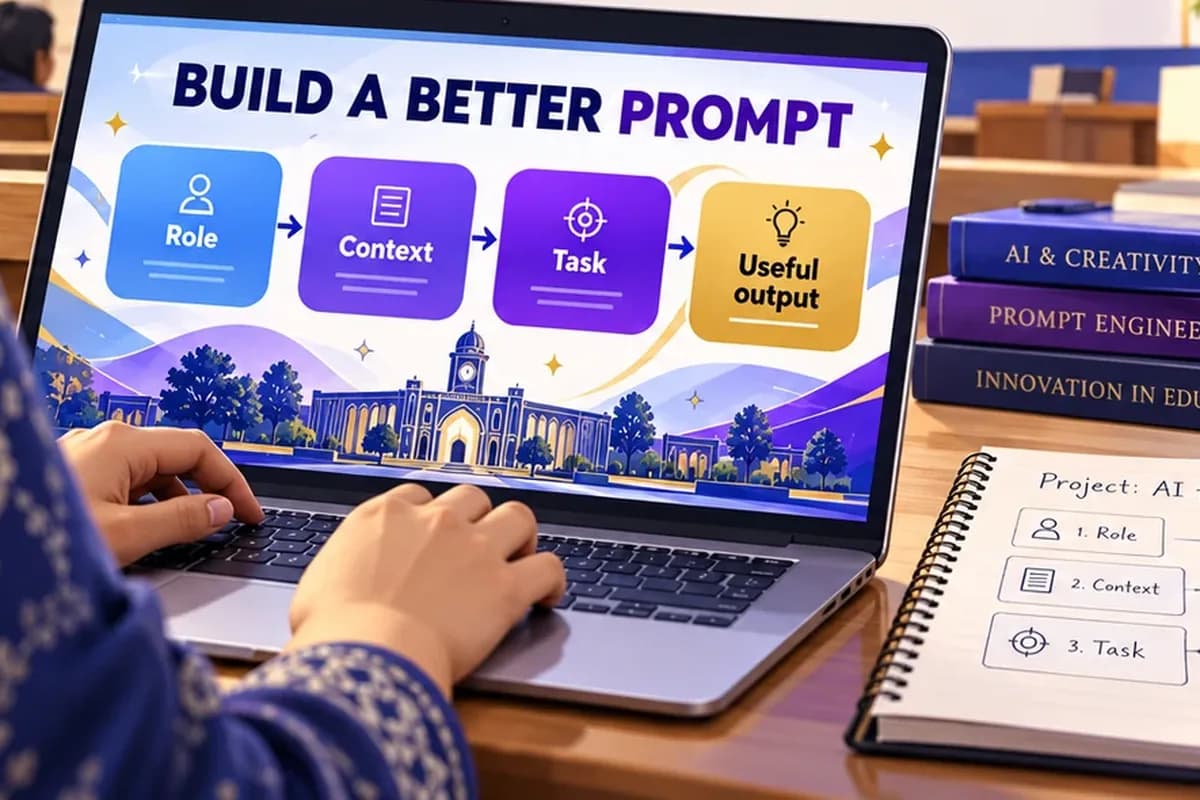
Illustration of a workshop laptop showing role, context, task and useful output

For your projects

Turn a rough idea into a useful starting point.

Give AI a clear brief, relevant context and a format to work towards. Learn to review the response, identify gaps and refine it for the task in front of you.

  • Outline a report or presentation with a clear purpose
  • Break a coding problem into smaller steps
  • Compare approaches before choosing your next move

A framework you can reuse

Give your prompt
a clear brief.

A useful prompt explains the situation, sets a specific task and makes the expected result clear. Start with these five building blocks and adapt them to your goal.

Instead of

“Explain recursion.”

Try a more specific brief

“Act as a patient computer science tutor. I am a first-year student learning recursion. Explain how a recursive function works using a simple example, step by step. End with three practice questions and wait for my answers.”

  1. 01

    Role — What perspective should the AI take?

    Act as a patient computer science tutor.

  2. 02

    Context — What does it need to know?

    I am a first-year student learning recursion.

  3. 03

    Task — What should it actually do?

    Explain how a recursive function works.

  4. 04

    Constraints — What should guide the response?

    Use a simple example and explain each step.

  5. 05

    Format — What would a useful answer look like?

    End with three practice questions; wait for my answers.

Treat every response as a starting point: check facts, protect private information and follow your university’s academic integrity rules.

Thursday, 19 November 2026 · Times in PKT

Two hours. Ideas you can keep using.

A guided session with a live demo, a practical exercise and time for your questions.

  1. 2:00 – 2:15 PMWelcome and speaker introductionsHosted by the university, with Mahboba R. Bhuiyan, CFO of CleverCreator.ai, introducing each speaker. Not registered yet? It takes a minute.
  2. 2:15 – 2:25 PMAI careersHassan Abdullah, CTO and CISO
  3. 2:25 – 2:55 PMMain session: Mastering Prompt EngineeringSaiful Bhuiyan, Founder and CEO · Live demo and practical exercise
  4. 2:55 – 3:35 PMHands-on with the CleverCreator.ai teamProjects, skills, presentations, the AI Visual Writer and connectors in ChatterMate; debates and 3D models in TutorMigo
  5. 3:35 – 3:45 PMLive Q&A with studentsBring your questions about AI, careers and study
  6. 3:45 – 4:00 PMClosing remarks and thanksCertificates open: get yours on this page with your roll number

Speakers

Who you'll learn from

Our team joins the TUF IT Club in the Saleem Auditorium live on Google Meet.

Your host

Hania Emaan

Campus Ambassador, CleverCreator.ai

Host · introduces the speakers

Speakers

Hassan Abdullah

CTO and CISO, CleverCreator.ai

AI careers

Saiful Bhuiyan

Founder and CEO, CleverCreator.ai

Prompt engineering (main session)

Sanju

Product Manager, CleverCreator.ai

Projects in ChatterMate

Hania Emaan

Campus Ambassador, CleverCreator.ai

Debates in TutorMigo

Sumaiya

CSE Graduate, AI Enthusiast and Product Ambassador, CleverCreator.ai

3D models in TutorMigo for chemistry and biology

Ifaz

Software Developer, CleverCreator.ai

Connectors in ChatterMate

Fahim

Product Ambassador, CleverCreator.ai

The AI Visual Writer in ChatterMate

Humaira Shahzad

Campus Ambassador, CleverCreator.ai · TUF IT Club

Presentations

Maria

Product and Campus Ambassador, CleverCreator.ai

Skills in ChatterMate

Zirwa

Verified certificate

Attended the seminar? Get your certificate.

A co-branded Certificate of Participation from CleverCreator.ai and The University of Faisalabad, signed by our Founder and CEO, with a unique ID anyone can verify. Add it to your CV and LinkedIn.

Get your certificate

You can claim any time from now on.

  1. 1. RegisterLog in or create a free account, verify your email and add your University Roll No.. Your name and email come from your account.
  2. 2. Preview your certificateFrom 4:00 PM PKT on 19 November: check how your name looks and correct it if you need to.
  3. 3. Download itGet your PDF instantly. We also email you a copy with a verification link.

Make the most of the session

Come curious.
Bring a problem to explore.

No advanced AI knowledge is needed to follow the introductory concepts. Think of a topic you find difficult, an assignment you are planning or a project idea you would like to develop.

  • Register before you arrive

    Press “Register now”, log in or create a free account, verify your email and add your roll number. Already have an account? Use it.

  • Bring a question and take notes

    Use the live Q&A to explore what you do not understand. Save a prompt you can adapt after the seminar.

  • Get your certificate at the end

    Certificates open at 4:00 PM PKT on 19 November. Preview it, fix your name if needed and download it.

Questions

Frequently asked questions

Still need help? Contact us